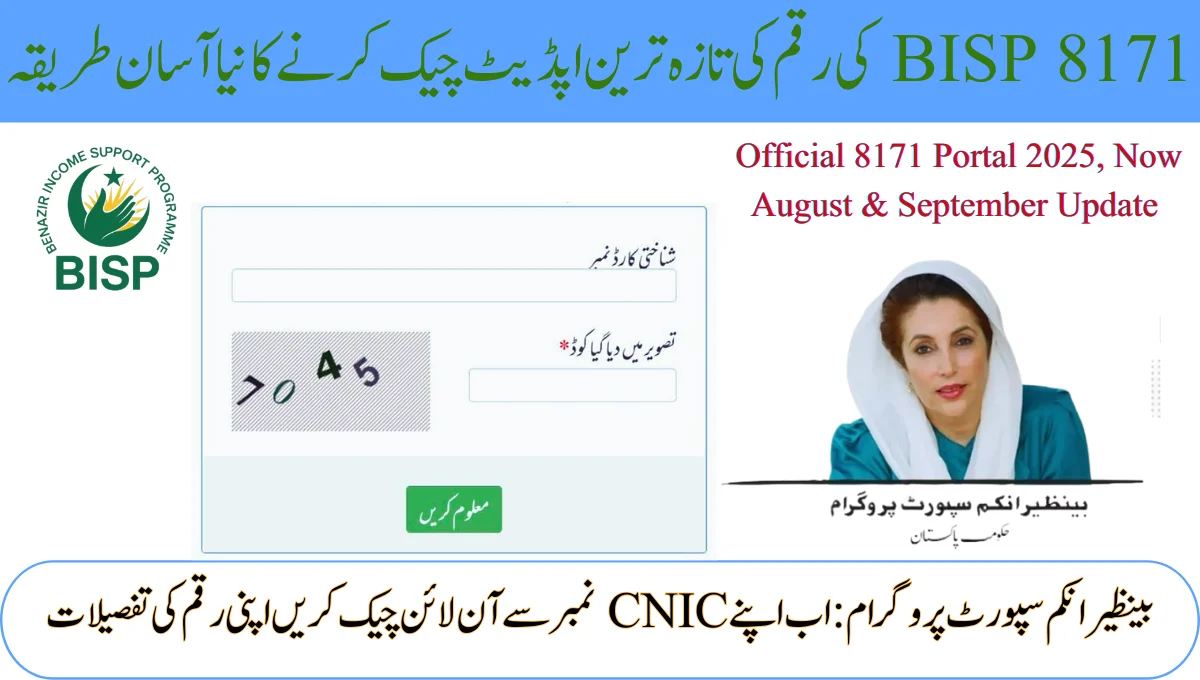
Waiting for government financial aid can be stressful. How do you know if your payment is coming? The 8171 Web Portal CNIC confirmation payment system is your answer. This official website lets you check your status in seconds, right from home. This easy guide for 2025 explains everything you need to know. We use simple words and clear steps to help you confirm your eligibility and track your money without any confusion.
What is the 8171 Web Portal? A Simple Explanation.
The 8171 web portal is the official online platform for the Benazir Income Support Programme (BISP) and other Ehsaas initiatives. Its main job is to bring transparency. You can use it to verify your registration and see if financial aid has been approved for your family.
Instead of visiting offices, you can use this portal 24/7. All you need is your CNIC number and a mobile phone or computer with internet.
Also Read More about : CM Punjab E Taxi Scheme 2025 Apply Online – Full Guide, Last Date & Bulleten result
Key Features of the BISP 8171 Web Portal
- Instant Eligibility Check: Confirm if your CNIC is registered for the program.
- Real-Time Payment Status: See if your payment has been processed and the amount.
- NSER Survey Verification: Check if your family’s economic survey is in the system.
- Grievance Portal: Report problems like missing payments or wrong details.
How to Check Your 8171 Payment Online by CNIC in 2025
The process for your 8171 CNIC check online is designed to be simple. Follow these steps to confirm your payment status:
- Visit the Official BISP 8171 Portal: Open your browser and go to the exact URL: https://8171.bisp.gov.pk. (Beware of copycat scam sites!).
- Enter Your 13-Digit CNIC Number: In the provided box, type your Computerized National Identity Card number. Do not use any dashes or spaces.
- Solve the Security CAPTCHA: Type the numbers and letters you see in the image. This proves you are a real person.
- Click the “Submit” or “Check Status” Button.
The website will process your request and immediately display your eligibility status and payment details.
Understanding Your 8171 Web Portal Status Message
After you submit your details, you will see one of these results:
- Congratulations! You are Eligible: This means your payment is approved. It may show “Payment in Process” or “Disbursed.”
- Sorry! You are Not Eligible: This means your CNIC is not currently in the beneficiary database for financial aid.
- CNIC Not Found: This usually means your number is not registered with BISP, or you may need to complete your NSER survey.
Solving Common 8171 Web Portal Problems
Facing an issue? Don’t worry. Here are simple fixes for common problems:
- Issue: “CNIC Not Found” Error.
- Solution: First, double-check your CNIC number for typos. If it’s correct, your survey might be missing. You need to ensure your NSER survey is completed at a BISP office.
- Issue: The Website is Not Loading or is Down.
- Solution: The server might be busy. Try again after some time. You can also use the alternative SMS service: Send your CNIC number to 8171 from your mobile.
- Issue: The Status or Personal Details are Wrong.
- Solution: Use the “Complaint Portal” or “Help” section on the website to file a complaint and correct the mistake.
Your Next Steps for 8171 CNIC Confirmation
The 8171 web portal for CNIC confirmation payment is a powerful tool for every citizen. It puts information directly in your hands. Remember, checking your status is always free. Never pay anyone to do this for you.
We hope this guide empowers you to easily manage your government assistance status and get the support you deserve.
Frequently Asked Questions (FAQs)
Final Conclusion
The 8171 web portal has made it easier than ever for people to check their CNIC and payment details online. Instead of waiting in long lines or relying on agents, you can confirm your eligibility and payment status from home in just a few clicks. This system gives you control, saves time, and removes confusion. Always remember, the 8171 web portal is free to use and designed to make government aid more transparent and accessible for everyone.